
Early access: free while we build
Your own Minecraft world, now with an AI teammate.
Ask in your own words. BotSteve is an AI companion that fetches, mines, cooks and fights beside you, and brings you food when you are low. A private Minecraft server for you and your friends, with Java and Bedrock crossplay.
- Play with your friends
- Your own private world
- Java and Bedrock crossplay
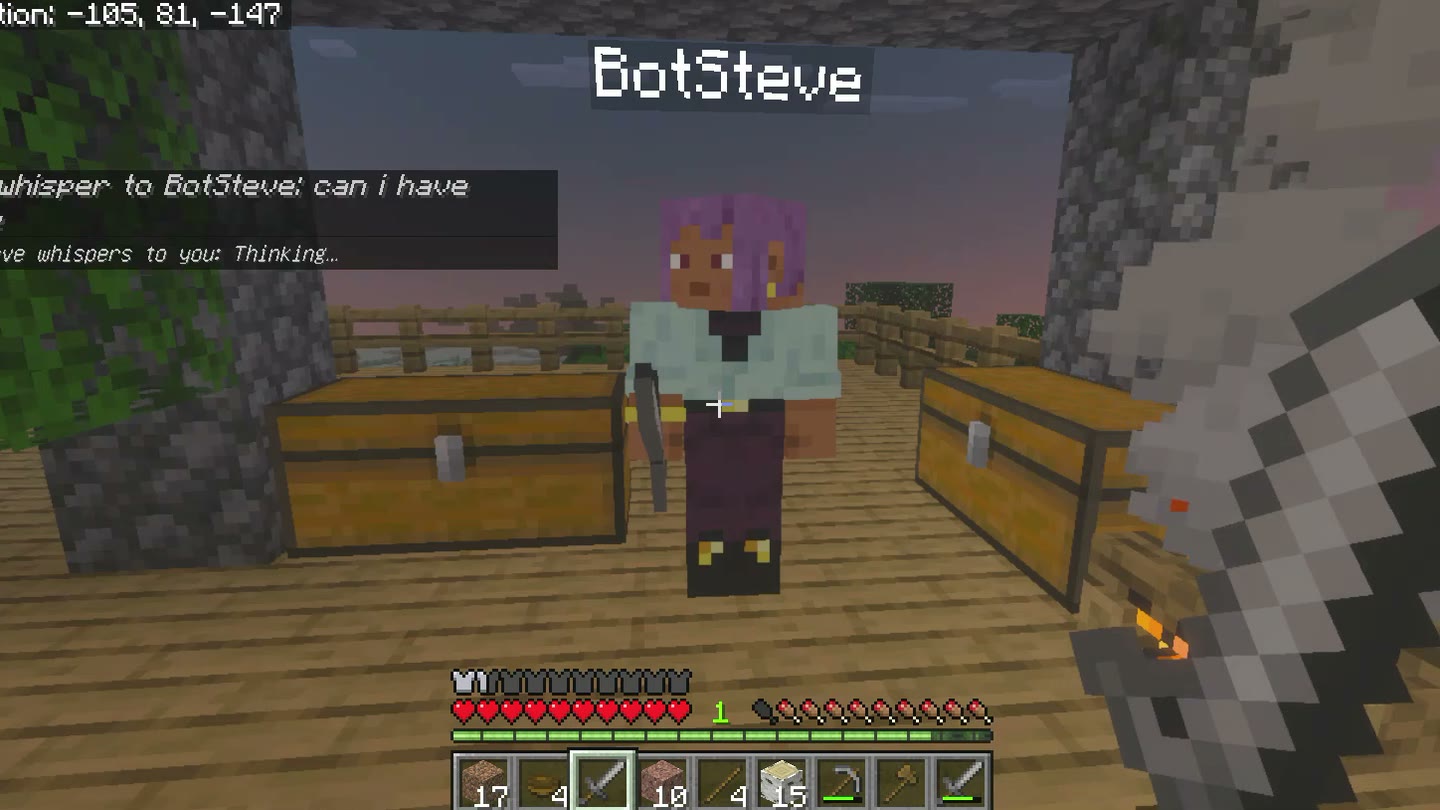
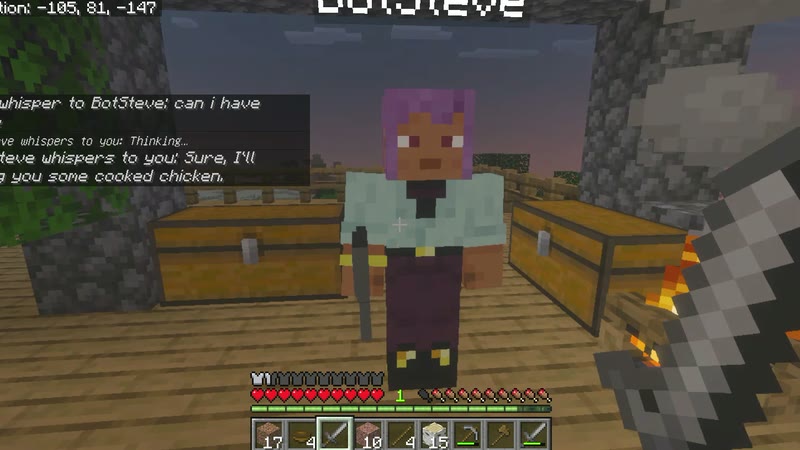
NowBringing you food BotSteve whispers to youSure, I’ll bring you some cooked chicken.BotSteve whispers to youHere’s your 4 cooked chickens.
Youcan i have some
BotSteve whispers to youSure, I’ll bring you some cooked chicken.BotSteve whispers to youHere’s your 4 cooked chickens.NowBringing you foodBotSteve whispers to youHere’s your 4 cooked chickens.
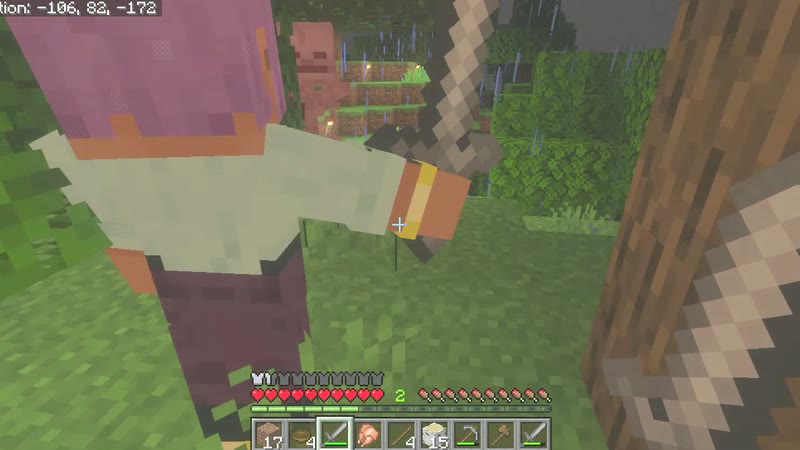
BotSteve whispers to youHere’s your 4 cooked chickens.Recorded in a BotSteve world. No sound.
Gets things doneAsk for 20 oak logs or 10 iron. It finds them, mines at the right depth and brings them to you.
Has your backIt fights skeletons, zombies and creepers, and runs from a crowd it cannot win.
Keeps you goingLow on food? It hunts, cooks and hands you a meal. Your sword and armour come before its own.
Play togetherInvite friends by email. Java and Bedrock crossplay in one world, with a bot for each of you.
See it in action
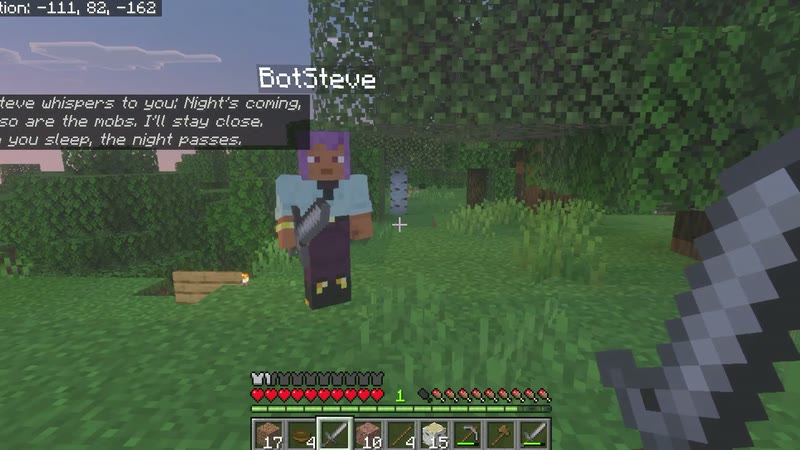
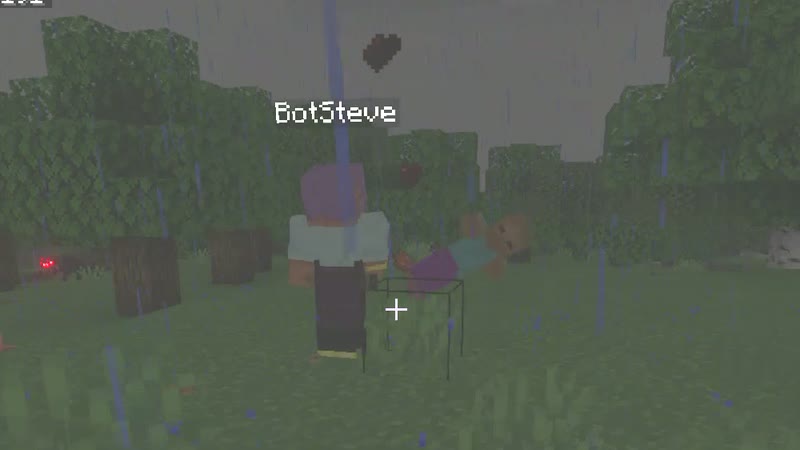
Moments from one evening of real play.
Playing tonight
Nothing to download and nothing to pay. Your usual Minecraft and an email address.
- 1Create your accountAn email and a password, and no card. Open the link we email you.
- 2Make your worldGive it a name and invite friends by email. Each of them gets a bot of their own.
- 3Join and playOpen your world here, then join from Java or Bedrock at server.botsteve.com.
Early access
Free while we build
Every feature of every plan, free for now, and no card needed. These are the plans for when early access ends.
BotSteve SoloYour world. Your AI teammate.
Free now£4.29 a month after early access
- An AI teammate
- 1 private world
- Java or Bedrock
RECOMMENDED
BotSteve TogetherBring your mates. Everyone gets an AI.
Free now£4.99 a month after early access
- Everything in Solo
- Invite friends to your world
- Keep a friend’s world awake while you play there
BotSteve UltimateMore worlds. More adventures.
Free now£5.99 a month after early access
- Everything in Together
- 5 private worlds
Minecraft Realms Plus costs £6.69 a month, with no AI teammate and no Java and Bedrock together.Compare the plans
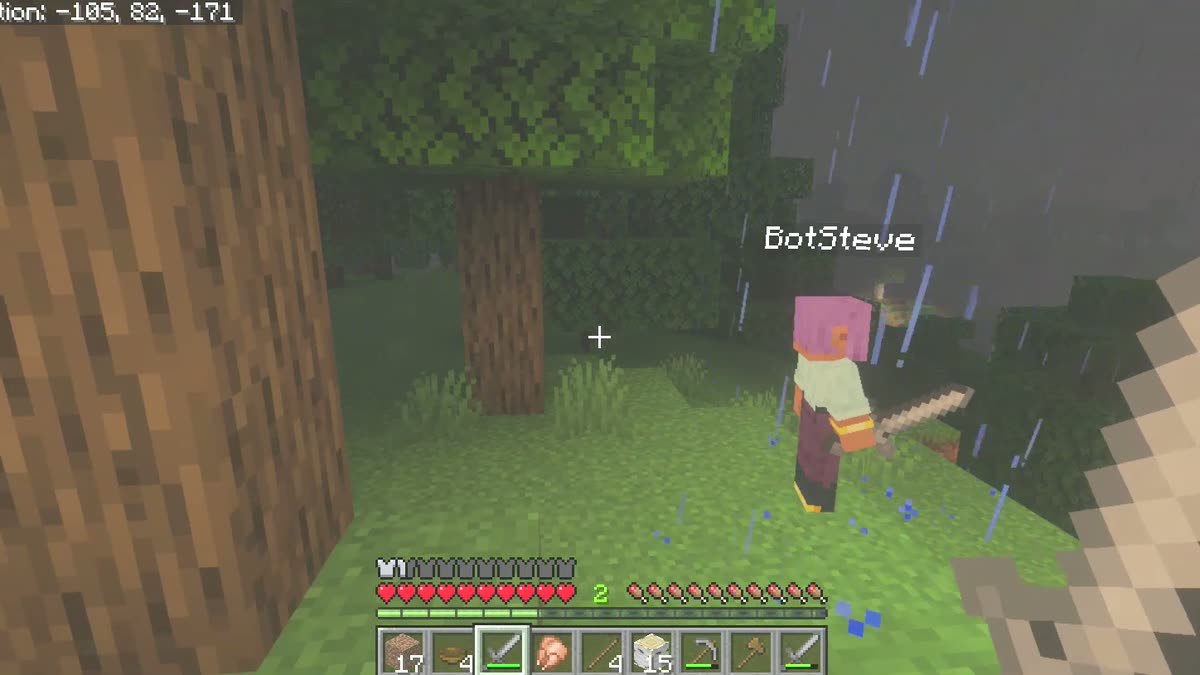
Your world is waiting.Full access, free for now. No card needed. Your bot is there the first time you join.
Create your world for freeFrequently asked questions about BotSteve
- Is BotSteve a free Minecraft server?
- Yes, while we build it. Every account gets a private Minecraft world, a server for you and the friends you invite, with an AI teammate for each player. Free, and no card needed.
- Do I need to install anything?
- No. Your usual Minecraft, Java or Bedrock, and the address of your world. No mods and no launcher.
- Can Java and Bedrock players play together?
- Yes. Java and Bedrock players join the same world at the same address, so crossplay works out of the box. How to play together
- Is BotSteve an alternative to Minecraft Realms?
- Yes. Like a Realm it is a private, invite-only world. Unlike a Realm, every player gets an AI teammate, and Java and Bedrock players share one world. Minecraft Realms Plus costs £6.69 a month; BotSteve is free during early access. BotSteve vs Realms
- Is the AI companion a mod?
- No, it is a player. It joins your world with its own name and inventory, and it talks only to you.
- What happens when nobody is playing?
- Your world is saved and sleeps. Open it here and it wakes in about a minute, just as you left it.
- Do you keep what I say to my bot?
- Your messages stay in your world so your bot can follow the conversation. A message our checks flag, such as an attempt to trick the AI, is also kept for 90 days so the BotSteve team can look at it, then deleted.
- How do I tell you what I think?
- Press Feedback on your bot’s page. The team reads every one.